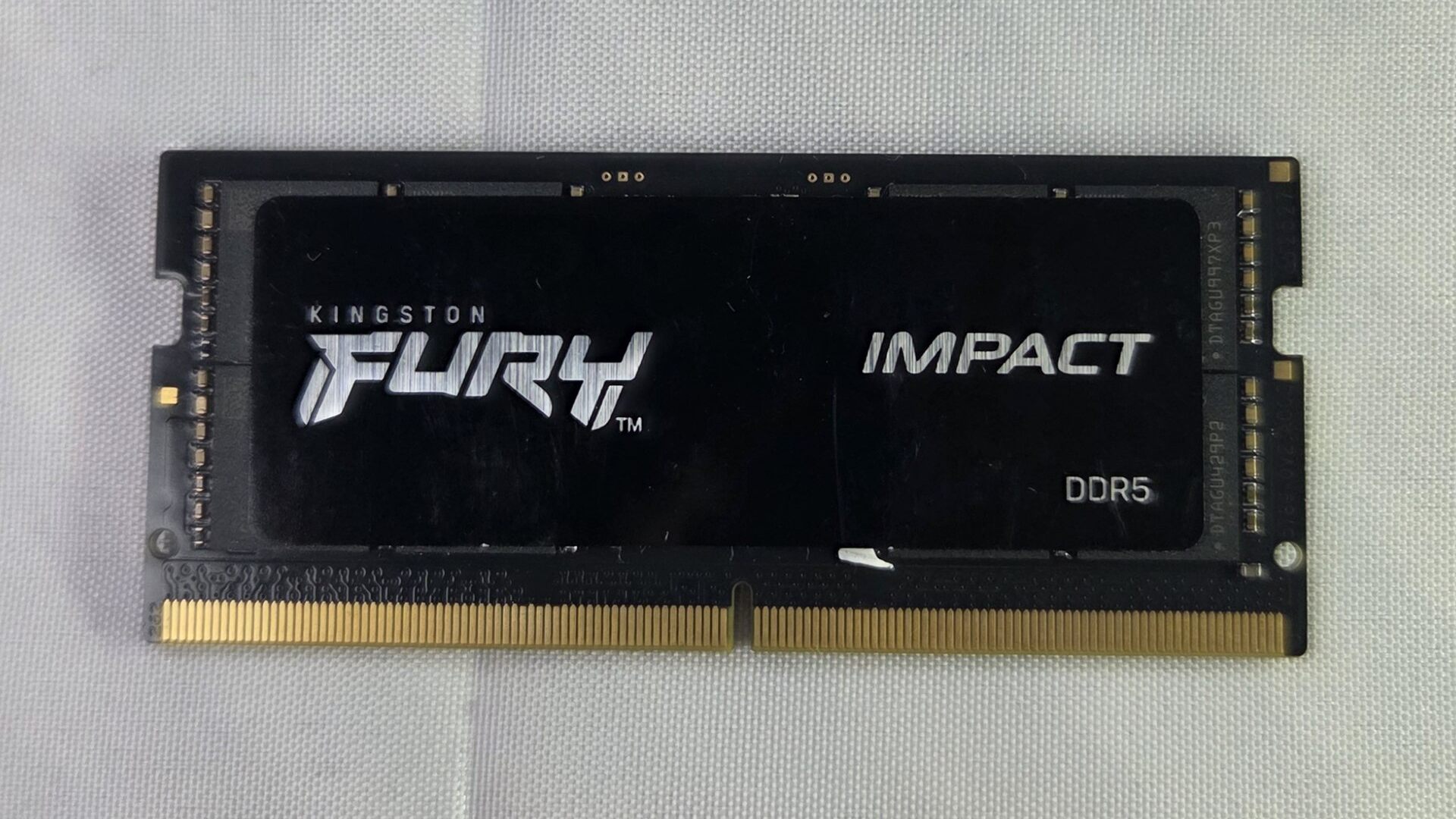
A high average frame rate doesn't guarantee smooth play. What you feel as stutter is the slowest frames, the 1% lows, and on a capable PC the fix is often in the BIOS rather than the game's settings. Three changes target them directly.
The three changes
| Change | What it fixes | Trade-off |
|---|---|---|
| Enable XMP or EXPO | RAM runs at its rated speed instead of a slower default | None, if your board supports the kit |
| Rated speed and timings | Avoids the conservative JEDEC defaults many boards boot with | None |
| Review deep power-saving states | Removes small delays when the CPU wakes up | More power and heat |
For the first one, our step-by-step XMP and EXPO guide walks through every screen. Leave power states alone unless you understand the trade-off in power and heat.
Why this helps 1% lows
The biggest gains show up in CPU-bound games, where memory speed and latency directly limit how quickly the CPU can prepare each frame. When the GPU is the bottleneck, these changes matter much less.
Our guide to CPU- versus GPU-bound games shows how to check which case you're in.
FAQ
Does this work on laptops?
Laptops usually lock memory speed and manage power states aggressively for battery life, so there's less to change and the gains are smaller.
Is XMP or EXPO safe to enable?
Yes, as long as your motherboard supports your kit. If you see instability, check the board's memory compatibility list or try the slower profile.