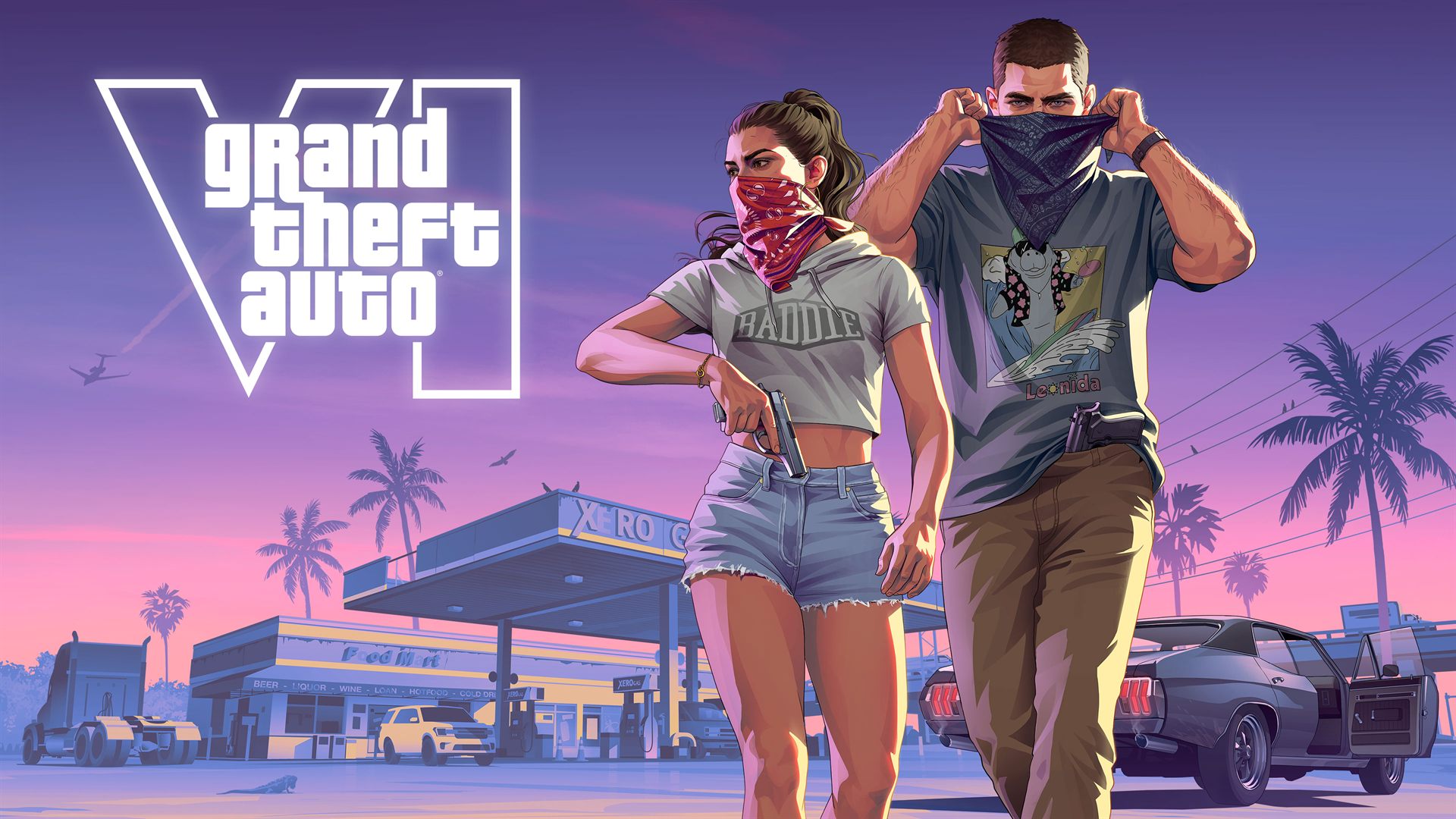
Rockstar has been clear that Grand Theft Auto VI runs at 30 FPS on every current console, the PS5 Pro included. That hasn't stopped clips of "GTA 6 at 60 FPS on PS5" from going around, and most of them point to free tools on GitHub. One of those tools, Veyra, is legitimate and quite clever, though it doesn't do what a lot of the posts suggest. Another, sold as a "60 FPS patch", looks very much like a way to get malware onto your PC.
First, the background. Rockstar says GTA 6's simulation needs more CPU than even the PS5 Pro can spare, and reports from Notebookcheck and 80.lv say neither a 60 nor a 40 FPS mode is planned. We went through the details in our look at GTA 6's console performance. Nothing you download on a PC can change that cap. Only an official game update could.
What Veyra actually does
Veyra is a free, open-source Windows app for enhancing video in real time. It never touches the game or the console. The PS5 keeps running GTA 6 at 30 FPS, and Veyra pulls that picture into a PC, either through a capture card or over PS5 Remote Play. The PC's graphics card then upscales it and generates extra frames in between the real ones, so what you see on the monitor moves more smoothly.
That's the catch, too. As we explained in our frame generation explainer, generated frames make motion look smoother, but they don't make a game react any faster. Veyra's own setup guide is upfront about it: the game still has roughly 33 ms of render latency at 30 FPS, and going from 30 to 60 this way can feel "sticky" in your hands.
Who it's for
You'll need a fairly recent PC. TweakTown reports that the NVIDIA frame generation Veyra relies on needs an RTX 40 or 50 series card, and the developer says most of their own testing was on an RTX 5070. Veyra also lists AMD support. A capture card gives the best results: the tests reported so far used Elgato cards, an HD60 X and a 4K X. Remote Play works with no extra hardware, but setup guides say it adds noticeably more lag, and pairing the PS5 means looking up your account ID on a third-party site, PSNTools.
How well it works in practice is still mostly anecdotal. One player who ran Veyra with Marvel's Spider-Man 2, next to a direct HDMI feed from the PS5, said the extra delay was hard to notice, but didn't publish any measurements. TweakTown also noted that the setup hadn't been tested with the final GTA 6 release when it reported on the tool, and that fast camera turns can make fixed parts of the screen, like the spinning minimap, shimmer. A similar open-source app, SmoovPlay, streams the PS5 through the Chiaki-ng Remote Play client instead. Its developer puts the added delay at about 20 ms at 60 FPS, according to Notebookcheck, which called latency its biggest weakness.
So it's worth a try if you already own an RTX 40 or 50 series PC and a capture card, and you'd rather watch GTA 6 move smoothly on a PC monitor. Buying that hardware just for this makes little sense: the game still plays like a 30 FPS game, and the delay is most noticeable when you're aiming or driving fast.
The "60 FPS patch" you should not download
A GitHub repository called PS5-60FPS-Patch-For-GTAVI promises a "smooth 60FPS performance mode" for the PS5 version. We read the page without downloading anything, and it has nearly every sign of a malware lure. The download button sends you to an unrelated outside website rather than to GitHub. The file is a password-protected archive, with the password printed on the page, a common trick to stop antivirus tools from scanning what's inside. And it tells you to run setup.exe on a Windows PC to "patch" a game that runs on a PlayStation 5, which simply isn't how consoles work. The account behind it was created ten days before launch, the repository appeared on launch day, and an automated job adds a fake "automatic update" every few hours so it always looks freshly maintained.
It's part of a bigger wave. Security firm Bitdefender recently found a fake "GTA VI cloud client" that promises to stream the console game to a PC and instead installs a program that steals browser passwords and cookies, Discord and Steam logins and crypto wallets, as Hackread reported on 21 November. Even Veyra's own page now warns that a crypto token using its name has nothing to do with the project.
Genuine open-source tools work differently. The code sits in the repository, downloads come from GitHub's own Releases page, and nothing is hidden behind an archive password. If you want Veyra, get it only from its official GitHub Releases page, not from a video description, a Discord link or a re-upload.
FAQ
Can you really play GTA 6 at 60 FPS on PS5?
Not natively. Every PS5 model runs the game at 30 FPS. Tools like Veyra make the picture look smoother on a PC screen by adding generated frames, but the game itself still runs and responds at 30 FPS.
Is Veyra safe to use?
Veyra is an open-source project with its code public on GitHub, and it's been widely covered by tech sites. Download it only from its official GitHub Releases page, never from mirrors or links in videos.
Do I need a capture card for Veyra?
No, it also works over PS5 Remote Play, but setup guides say a capture card gives noticeably lower input lag.
Will Rockstar add a 60 FPS mode to GTA 6?
Rockstar has said it would take too many compromises, and reports say neither a 60 nor a 40 FPS mode is planned for current consoles.