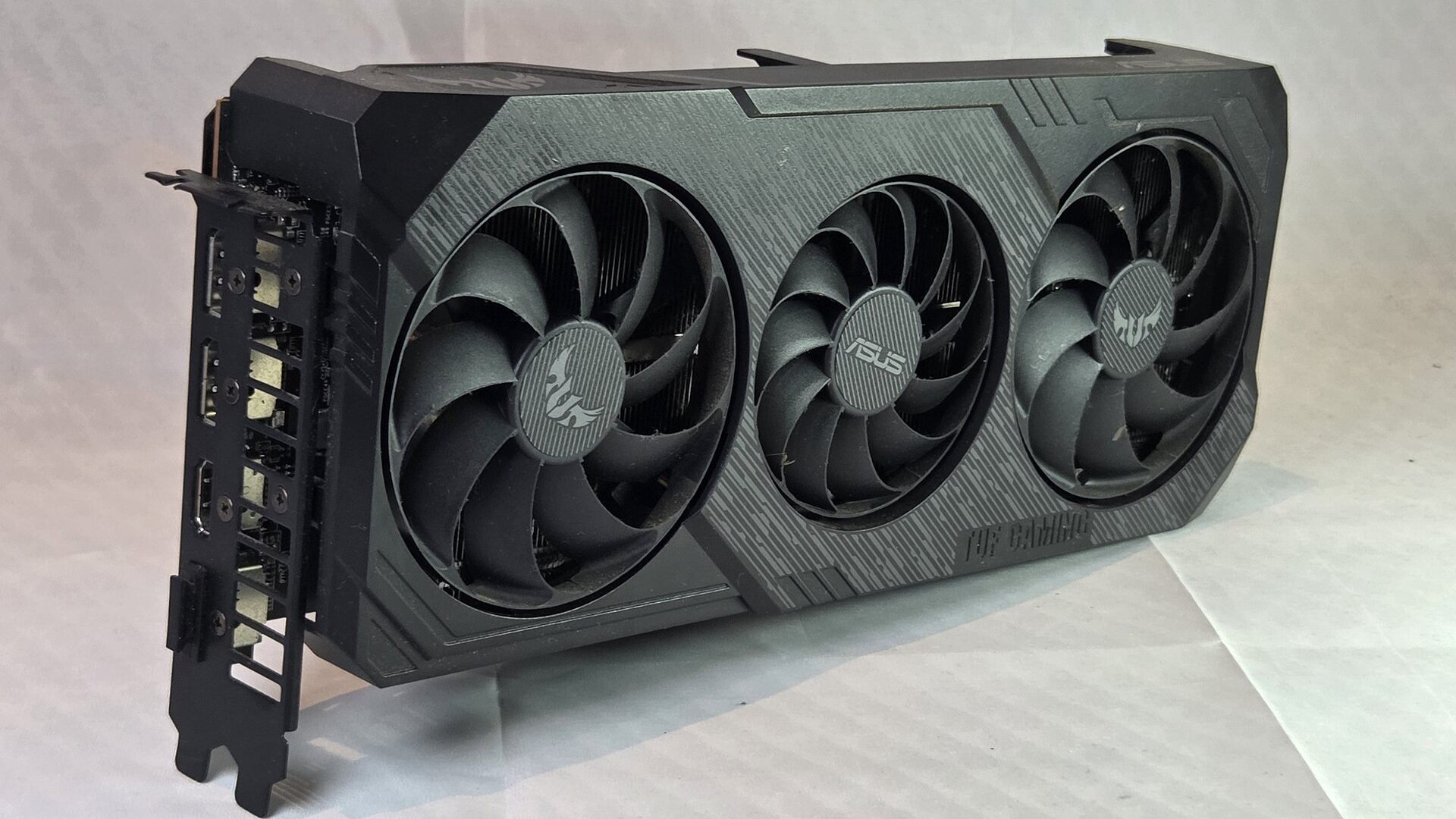
Running out of video memory (VRAM) is one of the most common reasons a graphics card ages badly. A GPU can have plenty of raw speed and still stutter, or show blurry textures, simply because it has run out of room. Here's how much you need, and what to do if you're short.
What uses VRAM
- Textures. The single biggest consumer. The texture quality setting usually matters more than anything else.
- Resolution. Higher resolutions need larger frame buffers and more data per frame.
- Ray tracing. It adds acceleration structures and extra buffers on top of everything else.
- Frame generation and upscaling also keep extra frames and data in memory.
When a game needs more VRAM than your card has, data spills over into much slower system memory. The result is stutter, texture pop-in, or textures that never fully load.
A practical rule of thumb
- 1080p8 GB
- 1440p12 GB
- 4K or heavy ray tracing16 GB
Source: RigDaily rule of thumb (see text)
- 8 GB: workable at 1080p, but increasingly tight in newer releases at high texture settings. Expect to compromise.
- 12 GB: a comfortable target for 1440p, with headroom for high textures.
- 16 GB or more: the safer choice for 4K, heavy ray tracing, or keeping a card for several years.
These aren't hard limits. Well-optimized games run fine on less, and some poorly optimized ones struggle on more.
Short on VRAM? Fix it in this order
- Lower texture quality one step. It frees the most memory for the smallest visual cost.
- Turn on upscaling (DLSS, FSR or XeSS). A lower internal resolution reduces memory use.
- Reduce or disable ray tracing.
- Close background apps that use the GPU, such as browsers with hardware acceleration and video players.
If you're not sure memory is the problem at all, our guide to telling whether a game is CPU- or GPU-bound helps you find the real bottleneck first.
FAQ
Is 8 GB of VRAM enough in 2026?
For 1080p with sensible settings, usually yes. For high textures in new releases, or for 1440p and above, it's increasingly limiting.
Does more VRAM increase FPS?
Not by itself. Extra VRAM prevents slowdowns and stutter when a game needs it; it doesn't make a card faster otherwise.