PCIe 5.0 SSDs advertise sequential speeds roughly double those of the best PCIe 4.0 drives, so it's natural to expect games to load twice as fast. In practice they mostly don't, and knowing why helps you spend your money better.
Why faster drives don't mean faster loading
Loading a game is not one big file copy. It involves:
- reading many smaller files, where latency matters more than headline speed
- decompressing assets, which usually happens on the CPU
- building the world: shaders, physics, scripts and AI
Once a drive is fast enough, the CPU and the game engine become the bottleneck.
| Upgrade | How it feels in games |
|---|---|
| Hard drive → any NVMe SSD | Transformative |
| Good PCIe 4.0 → PCIe 5.0 | Often hard to notice |
Where speed does help
- Games built for fast storage. Titles using DirectStorage with GPU decompression can take more advantage of a fast drive, because the CPU bottleneck is reduced.
- Large file transfers and content creation, where sequential speed really is the limit.
What to prioritize instead
- Capacity. Modern games are large. 2 TB is a comfortable starting point for a gaming drive.
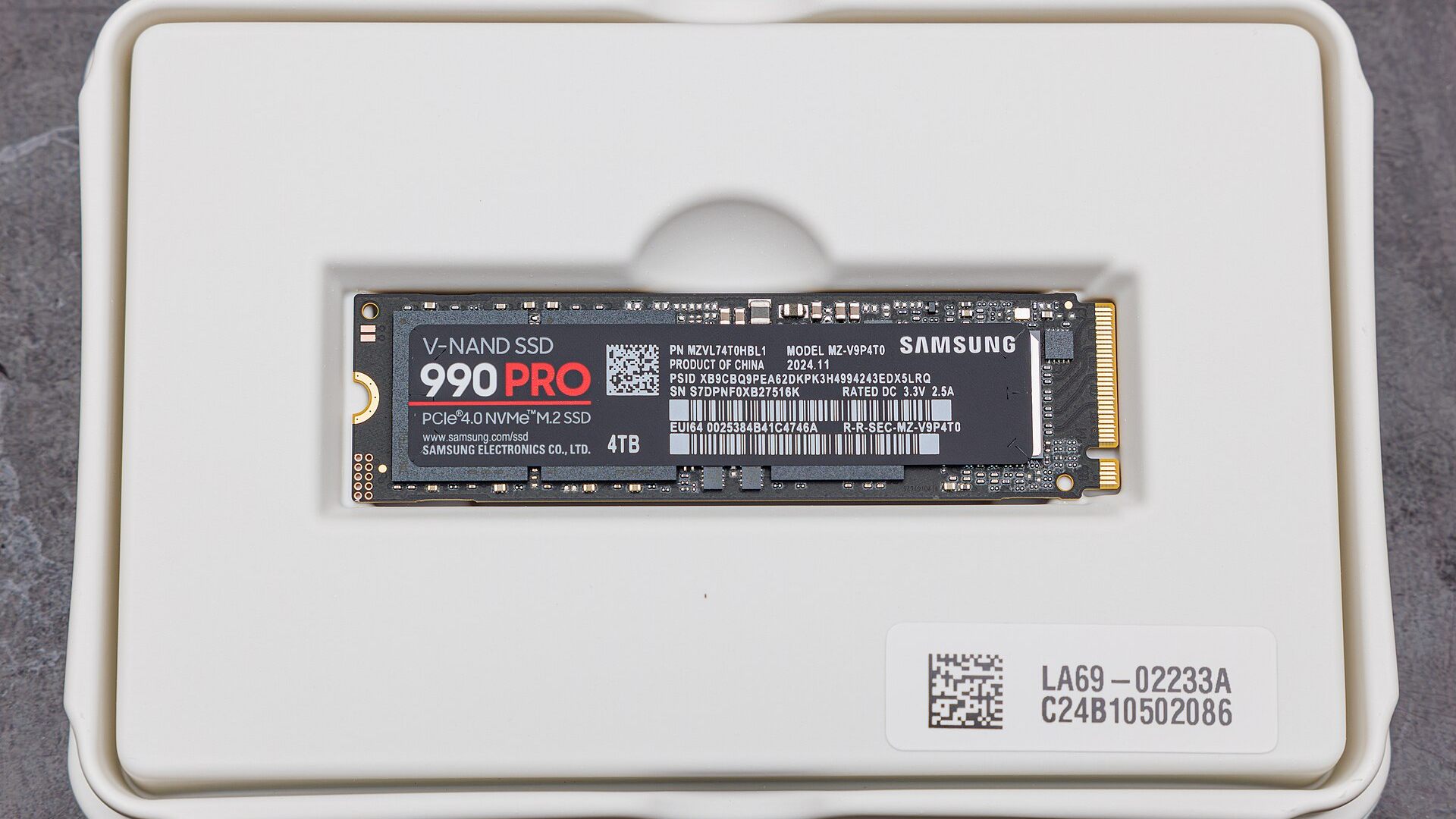
- A reputable PCIe 4.0 NVMe drive. For gaming it delivers nearly all the real-world benefit at a lower price.
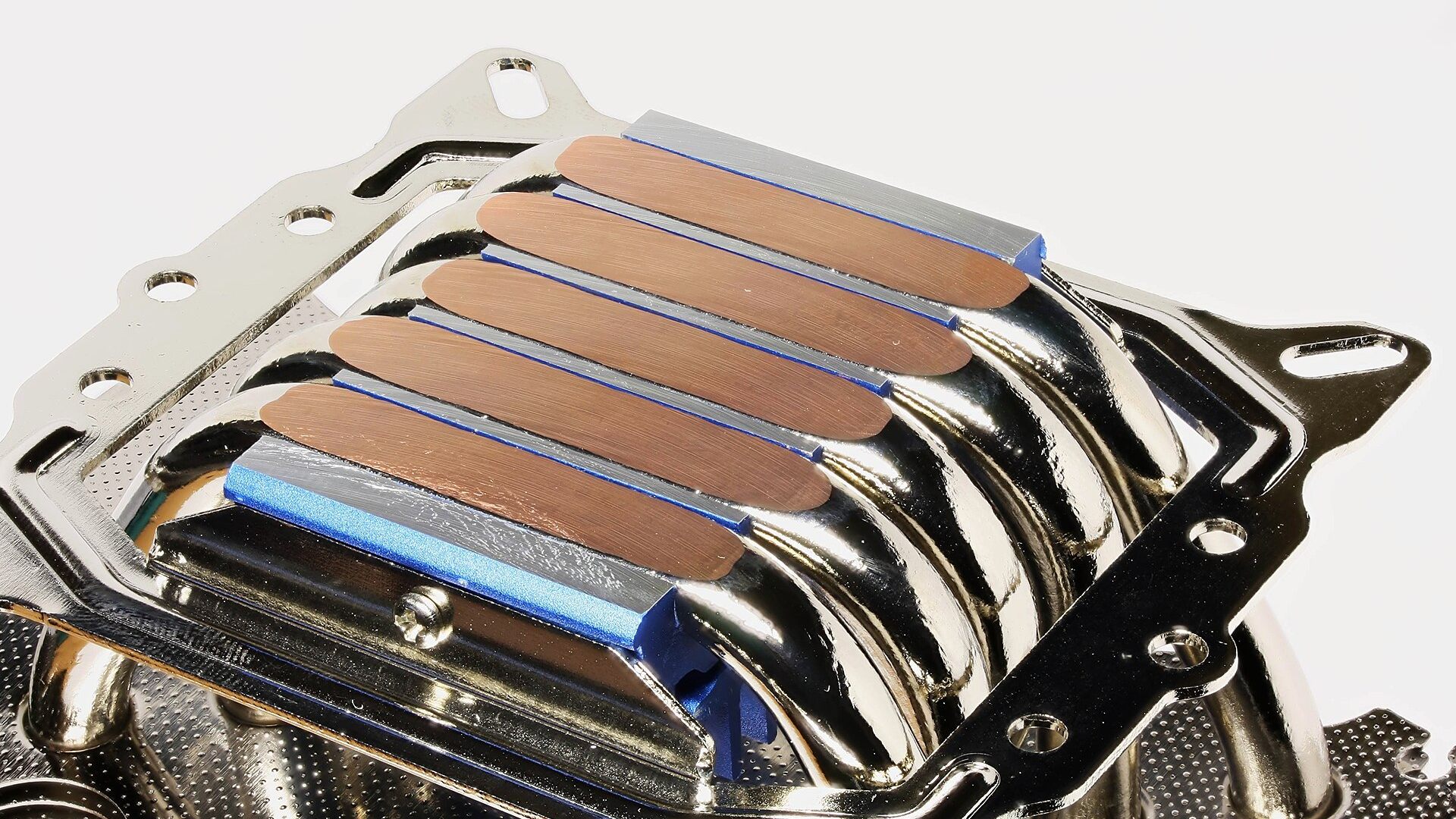
- Cooling. PCIe 5.0 drives run hot and generally need a proper heatsink, often the one on your motherboard.
FAQ
Is a PCIe 5.0 SSD worth it for gaming?
Usually not yet. The loading-time gains over a good PCIe 4.0 drive are small in most games. Put the money toward capacity or a better GPU.
Will my PCIe 5.0 SSD work in a PCIe 4.0 slot?
Yes. It runs at PCIe 4.0 speeds, which for gaming is rarely a noticeable difference.